For iPhone, iPad and Mac
Share the photo.Not the secrets.
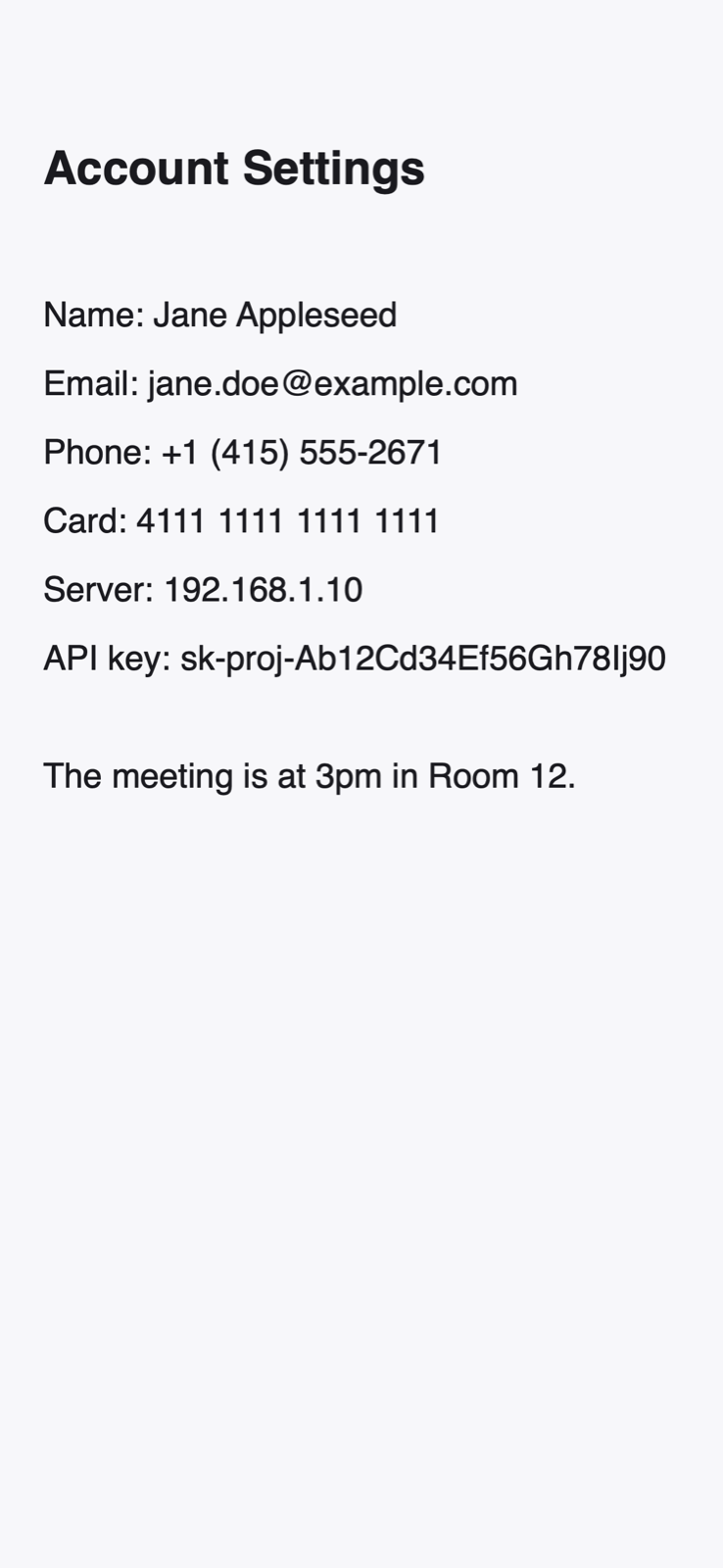
Open a screenshot and Yivra covers phone numbers, emails, card and ID numbers on its own. Tap anything it missed, then save or share. Nothing ever leaves your device.
iOS 18 · iPadOS 18 · macOS 15
Yivra
Three taps, and you're done.
- 01
Pick a photo
Your library opens right away. Choose any photo or screenshot.
- 02
It covers itself
Yivra reads the text and blacks out what looks private, instantly.
- 03
Save or share
Fix anything by hand, then save a clean copy or share it.
Missed something? Just tap it.
Yivra already covered the phone number. Hover a word and click to cover it — click again to bring it back.
Try the address and the pickup code.
Simple on the surface. Careful underneath.
Everything you need to share a picture with confidence, and nothing you need to learn.
Automatic
Opening a photo is the request. Sensitive text is found and covered before you ask.
Tap to cover
Hover or tap any word to cover it. Tap a cover again to reveal what's underneath.
Draw by hand
Paint over anything with your finger or mouse. Erase, undo and redo freely.
Burned into pixels
Covers are written into the image itself at full resolution, not laid on top of it.
Metadata removed
Location, camera and date details are stripped from every image you save or share.
iPhone, iPad and Mac
One purchase, every device. Drag, drop and paste on the Mac.
Finds what you'd rather not share
- Phone numbers worldwide
- Email addresses
- Bank card numbers
- Security codes and expiry dates
- IBAN bank accounts
- National ID numbers
- Passport machine-readable zones
- Social security numbers
- Names and birth dates on IDs
- Faces on identity documents
- IP addresses and private links
- API keys, tokens and passwords
Your photos never leave your device.
Yivra reads text with Apple's on-device Vision framework. There is no server to upload to, no account to create and nothing to track.
- No uploads
- No account
- No analytics
- No tracking
- Data not collected

Get Yivra
Yivra is in testing and will be available on the App Store soon.
Requires iOS 18, iPadOS 18 or macOS 15 or later.